Best File Manager for Mac: Comparison Guide for Freelancers (2026)
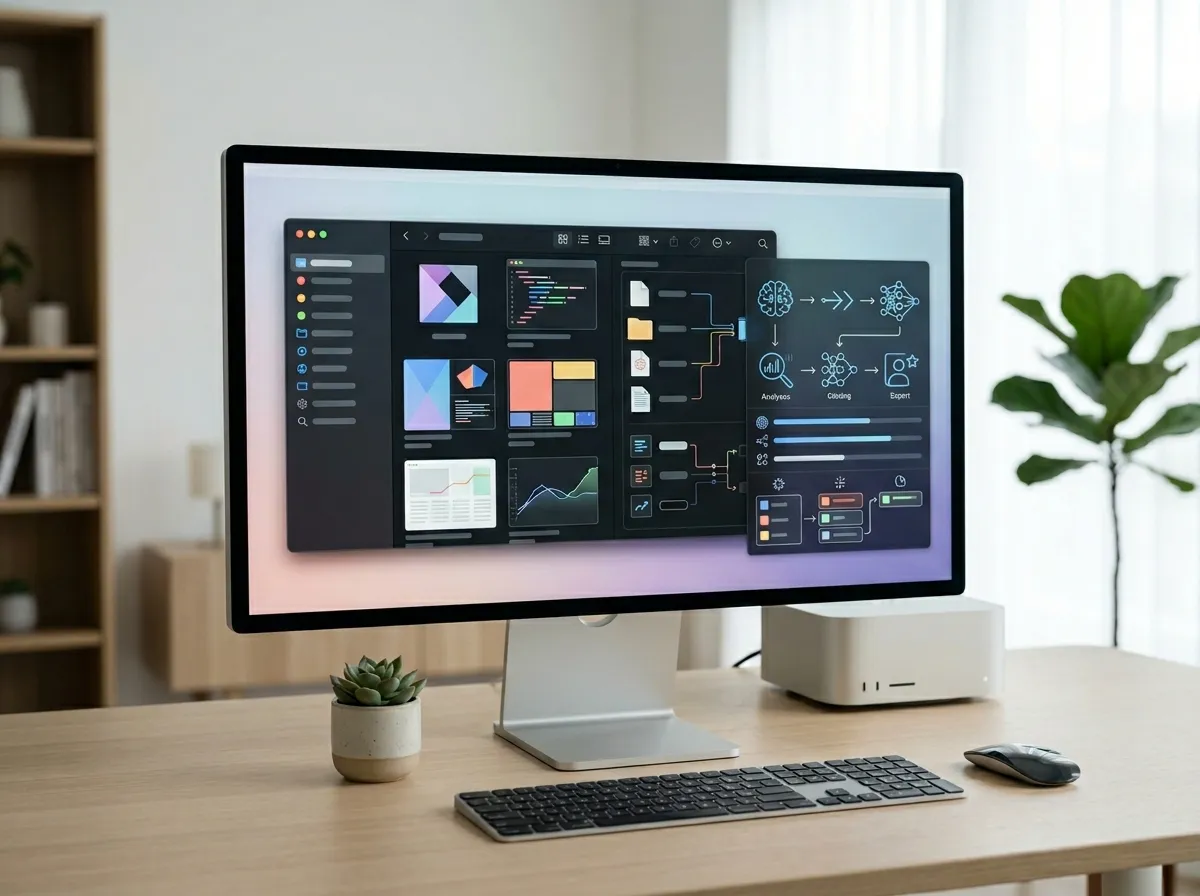
If you searched best file manager for mac, there’s a good chance your real problem isn’t “opening folders.”
As a freelancer, your file system is usually where client delivery succeeds or breaks:
- multiple active projects,
- recurring revisions,
- lots of exports and source files,
- and constant context switching.
Finder can handle light browsing. But once project volume grows, most freelancers want better control over speed, structure, and visibility.
This comparison walks through four common choices in 2026—ForkLift, Commander One, Path Finder, and Tokie—and helps you pick the right workflow for freelance operations.
Quick answer: what’s the best file manager for Mac freelancers?
- Choose ForkLift if you want a polished, low-friction file manager with strong day-to-day movement workflows.
- Choose Commander One if your routine is transfer-heavy and you prefer a classic dual-pane model.
- Choose Path Finder if you want deep interface customization and are willing to maintain it.
- Choose Tokie if you need not only file operations, but also structured project context (custom fields, inline notes, preview-first workflows).
Side-by-side comparison for freelance workflows
| Tool | Best for | Strengths | Trade-off | Best-fit freelancer profile |
|---|---|---|---|---|
| ForkLift | Smooth everyday execution | Clean UI, efficient transfers, easy ramp-up | Less workflow context built around files | Solo operator who wants speed with minimal setup |
| Commander One | Heavy file movement routines | Classic dual-pane flow, transfer-oriented operations | More utility-style feel | Freelancers moving large batches between locations |
| Path Finder | Deep customization | Advanced panels and control options | Higher setup/maintenance overhead | Power users who tune their workspace continuously |
| Tokie | Context-rich project operations | Custom fields, Side Peek previews, inline markdown/weblinks, hybrid views | Requires a workflow mindset, not just browsing | Client-service freelancers managing many parallel projects |
What freelancers actually need (beyond dual pane)
Most “best file manager” articles stop at interface style. Freelancers usually care about outcomes:
- Faster retrieval under deadline pressure.
- Cleaner handoff packaging for clients.
- Repeatable structure across projects.
- Less app-switching when reviewing notes/specs/files.
- Lower operational stress during revisions.
Dual-pane helps with #2. But #1, #3, and #4 often decide long-term fit.
ForkLift: strong default for fast day-to-day delivery
ForkLift is often a practical starting point if you want a smooth Finder upgrade without changing your entire process.
Where it works well for freelancers:
- frequent moving/renaming/exporting,
- quick organization before client delivery,
- low-friction daily operations.
If your bottleneck is execution speed and not project modeling, ForkLift is usually a strong choice.
Commander One: reliable for transfer-centric workflows
Commander One remains useful when your workload includes lots of repeated copy/sync-style tasks.
Where it fits:
- moving large folders across drives or locations,
- routine archival and migration work,
- freelancers who already prefer utility-forward interfaces.
If your day is mostly movement, Commander One can feel very efficient.
Path Finder: high control, higher maintenance
Path Finder appeals to freelancers who like deep panel-level customization.
That control can be powerful—but it comes with complexity. If you enjoy tuning your environment, it may be worth it. If you want quick consistency, it may be more than you need.
Tokie: when client folders need context, not just storage

Tokie is strongest when each client folder acts like an operational workspace rather than a passive container.
Verified Tokie capabilities relevant to freelancers include:
- database-like folder management with custom fields,
- Side Peek panel for file previews,
- inline markdown and weblink display,
- column + list hybrid navigation,
- search in folders, favorites, and drag-and-drop organization.
That combination helps keep project status and execution context close to files, which is often what freelancers need during fast revision cycles.
Decision framework: pick based on your weekly workload
Ask these in order:
1) Is your pain mostly transfer speed or project clarity?
- Mostly transfer speed: ForkLift or Commander One.
- Mostly project clarity and repeatability: Tokie.
2) Do you want to manage a highly customized interface?
- Yes: Path Finder can pay off.
- No: ForkLift or Tokie usually stays cleaner over time.
3) Do you manage 3+ concurrent client projects?
If yes, context-rich folder workflows become high leverage, especially for handoffs and revision tracking.
4) Do you need a system that scales with your service business?
The best file manager is the one that still works when your workload doubles—not just the one that feels best in a 30-minute trial.
If you want to compare adjacent use cases, start with 5 Best Finder Alternatives for Mac in 2026, then read Best Finder Alternative Mac: Comparison SERP for Mac Power Users (2026) and Finder Alternatives Mac 2026: Comparison SERP for Developers (2026). If Tokie looks like the right fit, check Tokie Pricing.
FAQ
What is the best file manager for Mac for freelancers in 2026?
For most freelancers, ForkLift is a strong speed-first choice and Tokie is a stronger context-first choice. The right pick depends on whether your bottleneck is transfer throughput or project clarity.
Is Finder enough for freelancers?
It can be enough for simple workloads. Once client volume, revisions, and handoffs increase, many freelancers benefit from a more specialized file manager.
Is Tokie just another dual-pane Finder replacement?
Not exactly. Tokie includes familiar file-management patterns, but the larger advantage is structured folder workflows with metadata and inline context.
Should freelancers prioritize features or workflow fit?
Workflow fit wins. Choose the tool that helps you deliver client work faster with fewer errors and less context switching.
Final take
If you want the easiest speed upgrade from Finder, start with ForkLift.
If your workflow is transfer-heavy and utility-first, Commander One remains effective.
If you enjoy deep customization, Path Finder still has a place.
If your freelance business depends on repeatable client operations—with clear structure, context, and handoff visibility—Tokie is the strongest long-term direction.
Run a real one-week test with active client folders. The better fit usually reveals itself by the second major revision cycle.
Ready to try Tokie?
Transform your file management experience with Tokie's powerful features.