Best Finder Alternative Mac: Comparison Guide for Developers (2026)
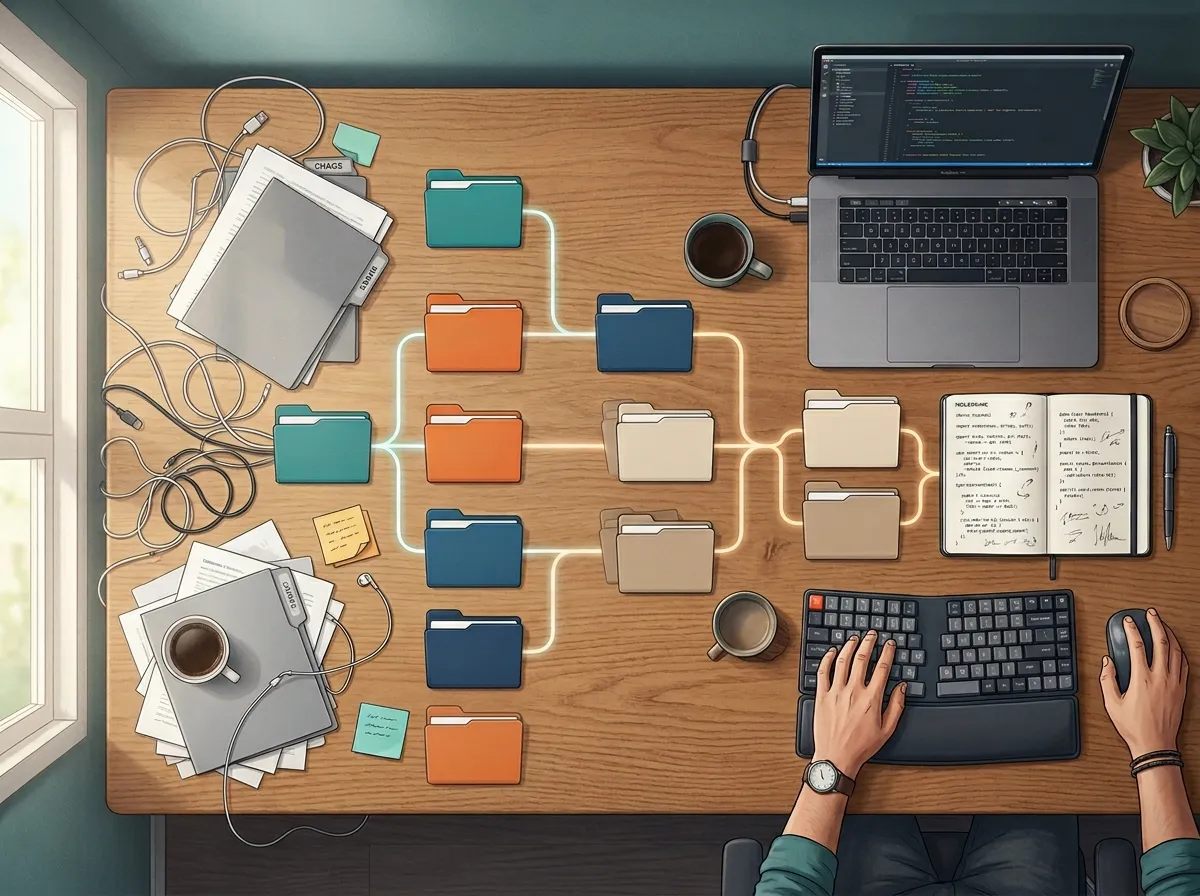
If you’re searching best finder alternative mac as a developer, you’re probably not looking for “prettier Finder.”
You’re looking for less drag in real work:
- faster movement across project folders,
- clearer structure for active repos and artifacts,
- and fewer context switches when shipping.
In 2026, the right choice depends on whether your bottleneck is transfer speed, customization depth, or workflow clarity. This guide compares the top options and gives you a practical way to choose.
Quick answer: best Finder alternative Mac for developers
- Choose Commander One if your workflow is transfer-heavy and dual-pane muscle memory matters.
- Choose ForkLift if you want a polished, low-friction Finder upgrade for daily operations.
- Choose Path Finder if you want deep layout/panel customization and don’t mind setup overhead.
- Choose Tokie if your team needs structured folder workflows with metadata and inline context.
Side-by-side comparison (developer lens)
| Tool | Best for | Transfer workflows | Project context around files | Ramp-up |
|---|---|---|---|---|
| Commander One | Traditional dual-pane operations | Strong | Basic | Medium |
| ForkLift | Smooth day-to-day execution | Strong | Basic to medium | Low |
| Path Finder | Heavy customization | Medium | Medium | High |
| Tokie | Repeatable, structured workflows | Good in companion stacks | Strong | Medium |
What developers should prioritize in a Finder replacement
Before picking a tool, score each option on these four criteria:
- Navigation speed under pressure (release day, incident response, urgent fixes)
- Search and preview efficiency (inspect quickly without opening extra apps)
- Consistency across projects (same structure in every client/repo folder)
- Operational context (status, notes, links, and metadata next to files)
Most Finder alternatives solve #1 and parts of #2. Fewer solve #3 and #4 well.
Commander One: efficient for transfer-centric development tasks

Commander One remains a strong option when your day involves repeated movement work:
- build outputs,
- deployment packages,
- archive and sync operations.
If your bottleneck is mostly throughput, it’s still a practical choice.
ForkLift: polished workflow with low setup cost

ForkLift is often the easiest jump from Finder for developers who want immediate gains.
It’s a good fit when you want:
- smooth file operations,
- cleaner UI ergonomics,
- reliable day-to-day execution without customization overhead.
Path Finder: maximum control for customization-heavy users

Path Finder is powerful when you want detailed control over panels and workspace behavior.
That depth helps if you maintain your setup actively. If not, it can become management overhead rather than leverage.
Tokie: stronger when folders become operational surfaces

Tokie is a strong fit for developers who treat folder systems as part of their operating model, not just storage.
Verified capabilities include:
- database-like folder management with custom fields,
- Side Peek preview panel,
- inline markdown and weblink display,
- column + list hybrid navigation,
- search in folders, favorites, and drag-and-drop organization.
This becomes valuable when teams need repeatable project structures with clear status and context.
Decision framework: how to choose in one week
Use this sequence:
1) Is your pain mostly transfer speed?
If yes, start with Commander One or ForkLift.
2) Do you want to maintain deep customization?
If yes, test Path Finder.
If no, stay with ForkLift or Tokie.
3) Do your folders need visible metadata and notes?
If yes, Tokie is typically the strongest long-term fit.
4) Are you building for human-only or human+AI workflows?
If you’re increasingly using agents for coding/support tasks, context-rich folder workflows matter more over time.
For broader context, see Finder Alternatives Mac 2026: Comparison Guide for Developers, Best Finder Alternative Mac: Comparison Guide for Power Users (2026), and 5 Best Finder Alternatives for Mac in 2026. If you’re ready to evaluate Tokie directly, review Tokie pricing and license options.
FAQ
What is the best Finder alternative on Mac for developers in 2026?
For transfer-first workflows, ForkLift and Commander One remain strong. For structured, context-rich project operations, Tokie is often the better long-term fit.
Is dual-pane still essential for developers?
It helps, but it’s not enough on its own. Developers increasingly benefit from better search, preview, and folder-level context.
Should I choose the most feature-rich app?
Not necessarily. Choose the tool that reduces daily friction in your real workflow, not the one with the longest feature list.
Final take
If your main pain is file movement, start with ForkLift or Commander One.
If you enjoy tuning everything, Path Finder still has value.
If your development work depends on repeatable project structures and visible context near files, Tokie is the best Finder alternative direction in 2026.
Ready to try Tokie?
Transform your file management experience with Tokie's powerful features.