Finder Alternatives in 2026: Best Mac File Managers in the AI Agent Era
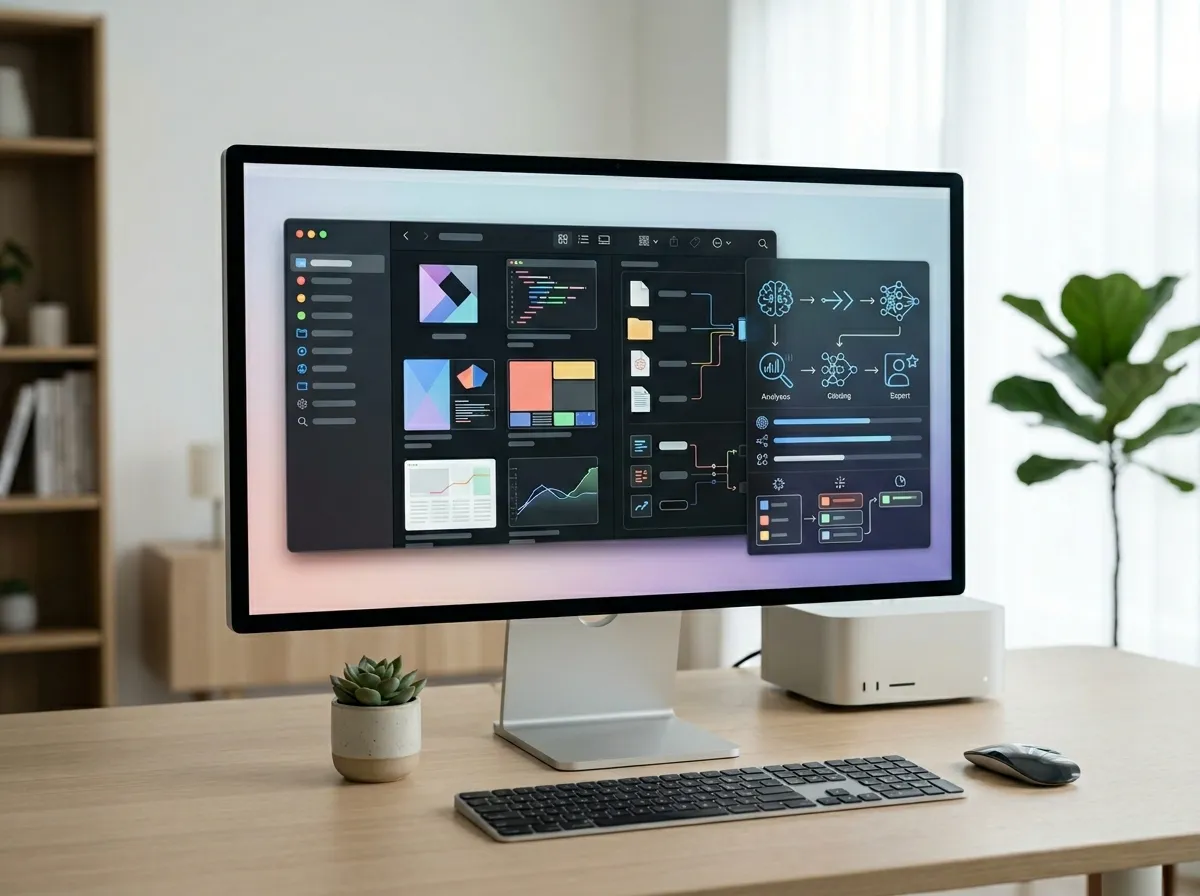
If you're searching for a Finder alternative in 2026, you're no longer just picking a nicer file browser.
You're choosing a workspace that has to support both:
- Human work (searching, previewing, organizing, tagging), and
- AI-assisted work (agents that read, create, rename, and structure files).
That second point changes everything.
A lot of classic comparisons still focus on dual-pane layouts and FTP support. Those still matter. But if you use tools like Codex CLI, Claude Cowork, or OpenClaw-style local agents, you now need a file manager that gives you a visible, structured control layer over what agents are doing.
In this guide, we compare the top options and explain where each one fits.
Quick answer: which Finder replacement is best in 2026?
- If you mainly need file transfer + remote protocols, Commander One and ForkLift are still strong.
- If you want deep customization and power-user panels, Path Finder remains capable.
- If you want a file manager that also works as an AI-era operations surface (metadata-rich folders, structured views, embedded workflows), Tokie is the strongest long-term choice.
Finder alternatives in 2026: side-by-side comparison
| Tool | Best for | Dual-pane / advanced navigation | Remote transfer tooling | Metadata & structured workflow | AI-era readiness |
|---|---|---|---|---|---|
| Commander One | Traditional file ops + FTP workflows | Strong | Strong | Basic | Medium |
| ForkLift | Polished transfer/sync workflow | Strong | Strong | Basic-to-medium | Medium |
| Path Finder | Heavily customized power-user setup | Strong | Medium | Medium | Medium |
| Tokie | Local-first project operations + AI-assisted workflows | Strong (layout flexibility) | Good via workflow integrations | Strong | High |
What users still care about (and what changed)
Classic search demand is still real: keywords like finder alternative, mac finder replacement, commander one, and forklift mac continue to show meaningful volume.
But a new demand layer has emerged:
- codex cli
- desktop ai assistant
- claude cowork
- local ai agent
This is why modern comparisons should answer two questions, not one:
- Can this app replace Finder for daily file management?
- Can this app remain useful when AI agents become part of the workflow?
The traditional trio: where they still win
Commander One
Commander One still appeals to users who prioritize protocol-heavy operations and classic two-pane efficiency.

It is especially useful for teams that regularly move files between local storage and remote endpoints.
ForkLift
ForkLift remains one of the most approachable power tools for users who want a polished macOS-native experience with robust transfer workflows.

Its strength is less about modeling work and more about smooth execution of common file operations.
Path Finder
Path Finder continues to attract users who want deep UI and workflow customization.

If your ideal setup is a highly personalized control panel for files, Path Finder still deserves a look.
Why Tokie stands out in the AI agent era
Most Finder alternatives were built for human-only operations.
Tokie is better aligned with a human + agent workflow model:
- You can organize folders like lightweight databases using custom structure and metadata.
- You can keep files and context in one place instead of bouncing across multiple apps.
- You can visually inspect, triage, and validate what agents changed, which reduces blind automation risk.

This matters because modern desktop agents can execute real file actions. The bottleneck shifts from "can the tool move files" to "can I keep file operations transparent and controlled."
Practical workflow: Codex/Cowork + Tokie
Here is a simple pattern many teams can run:
- Agent does background operations
- Example: batch renaming, scaffold docs, reorganize project folders.
- Tokie shows the result as a structured workspace
- You inspect status, group related files, and quickly spot anomalies.
- Human finalizes
- You approve critical changes, add missing context, and ship.
The point is not replacing human judgment. The point is reducing busywork while keeping full visibility.
Which tool should you choose?
Choose Commander One if...
- Your top priority is protocol-heavy transfer workflows.
- You prefer a classic dual-pane-first model.
Choose ForkLift if...
- You want a clean UX with strong transfer/sync features.
- Your work is mostly file movement and organization.
Choose Path Finder if...
- You want deep customization and advanced panel workflows.
- You are willing to invest in setup complexity.
Choose Tokie if...
- You need a Finder replacement and an AI-compatible operational surface.
- You manage recurring project workflows where metadata, context, and visibility matter.
- You want local-first control with a more modern workflow model.
FAQ
Is Finder still enough in 2026?
For light personal use, sometimes yes. For high-volume, multi-project, or AI-assisted workflows, most teams outgrow Finder quickly.
Is dual-pane still important?
Yes. But dual-pane alone is no longer a complete decision framework. Structured workflow and AI-era compatibility are now equally important.
Can I use AI agents without changing file managers?
You can, but your operational visibility can suffer. A manager like Tokie helps you review and govern agent-driven changes with less friction.
Final takeaway
The best Finder alternative in 2026 depends on your workload maturity.
If your workflow is mostly transfer-centric, the established tools remain valid.
If your workflow is evolving toward human + AI collaboration on local files, Tokie offers a clearer long-term path because it combines file management with structured, visible operations.
If that is the direction your team is heading, Tokie is the comparison winner that will age best over the next few years.
Ready to try Tokie?
Transform your file management experience with Tokie's powerful features.